Guide
How to play Burgie's Cozy Kitchen
Where to buy


PC requirements
Can your PC run Burgie's Cozy Kitchen?
- Minimum RAM:
- 4 MB
- Minimum graphics:
- Intel HD 5000
- Minimum storage:
- 100 MB
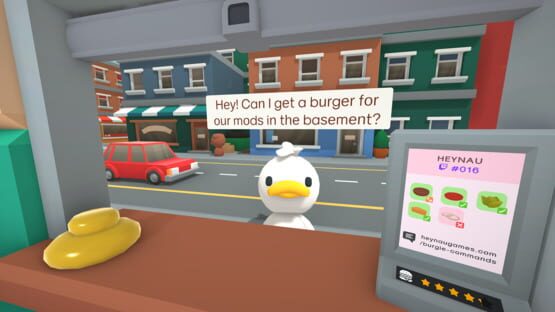
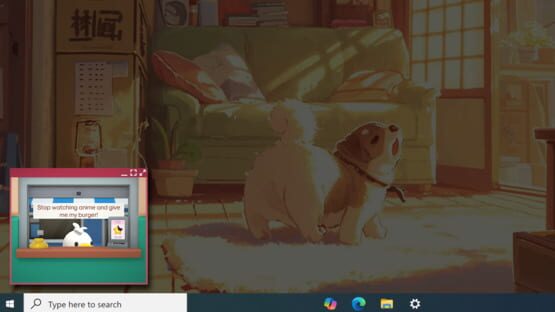
Running a burger joint without the usual pressure of restaurant management games is the core idea behind Burgie's Cozy Kitchen, a sim designed to work as background company while you do other things. What sets it apart in the genre is exactly that: you can minimize it to a corner of your desktop and keep receiving orders while you work on something else, and it can also connect to Twitch chat so the restaurant greets the viewers of a live stream. That double role, virtual business and background companion, is rare among restaurant sims, which usually demand your full attention from start to finish.
Leaving the restaurant open, handling orders as they come in, and glancing back at the game every so often to deal with whatever has piled up sets the pace. It feels more like checking a task inbox than sitting down to play continuously, as you would in a traditional management sim. The pace is meant to adapt to whatever you are doing at the same time, without demanding constant attention on the restaurant screen.
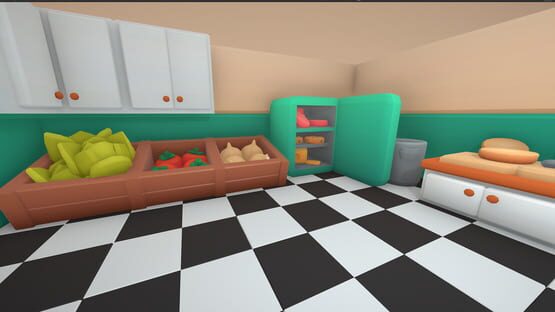
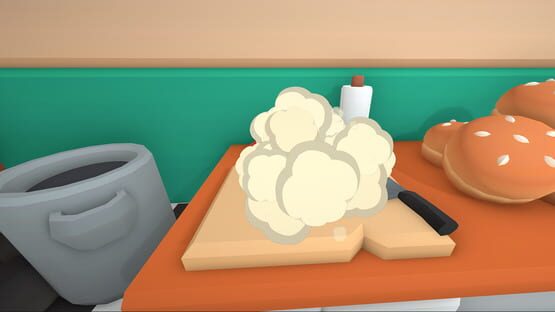
Learning how an order is generated and what steps you need to follow to complete it is the first thing to sort out before leaving the game minimized, because understanding that basic cycle is what lets you tend to it out of the corner of your eye without losing orders along the way. It also helps to test the Twitch chat integration from the start if you plan to use it on a stream, so you know how the restaurant reacts when new viewers show up. It is also worth exploring the options menu before leaving it running on its own, because that is what determines how much room the business has to run without constant supervision.
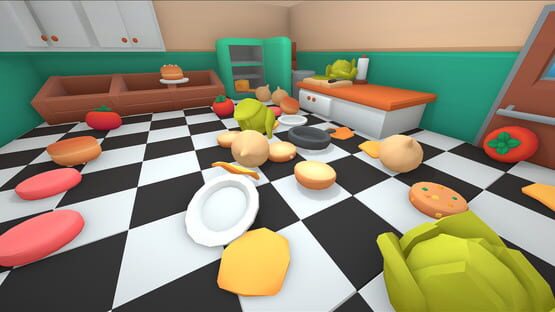
The flow of orders is what dominates the game: how they are announced, what steps each one requires, and how much breathing room you have before too many pile up at once. In relaxed management games like this one, it usually pays to understand that cycle well before trusting yourself to leave it fully minimized, because a restaurant left unattended for too long tends to accumulate orders that are neither resolved nor paid.
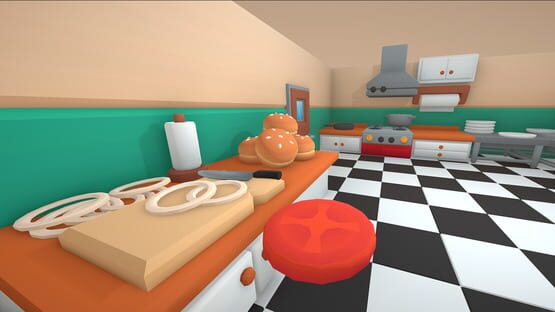
Minimizing the game before understanding how an order is completed is the most common mistake when starting out, because afterward it is hard to tell whether the restaurant is running well or orders are simply piling up unattended. Another typical slip is turning on the Twitch connection without first testing how the chat responds, which can lead to surprises in the middle of a live stream in front of your audience. Turning the game's notification volume off completely can also make you miss orders that have been waiting for a while.
A quick look at the restaurant every so often during your first sessions, instead of leaving it minimized from the very start, helps you get the hang of the order rhythm before trusting the business to the back of your desktop. If you stream on Twitch, testing the chat connection in a trial session before going live avoids surprises and makes better use of the greeting for new viewers who join.
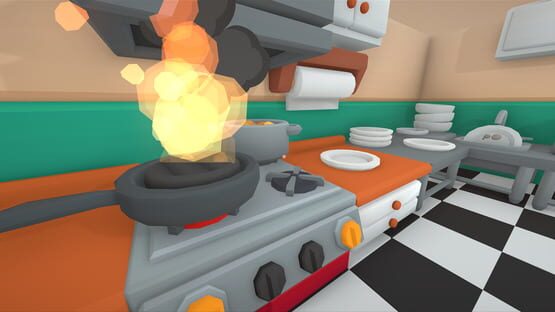
If you stream and want a background activity that is friendly to your audience, or you simply want a low-maintenance sim to keep open while you do something else, this is a perfect fit, made by a single studio, HeyNau, which handles the development and also publishes it. It came out on PC with Windows in June 2026.
Burgie's Cozy Kitchen came out on 26 de junio de 2026. Platforms, genres and ratings are on the Burgie's Cozy Kitchen game page.
Related games


Last updated: 22 de noviembre de 2026.
Powered by PairProgramming · custom software development, AI and automation.