Guide
How to play Chrome Dino
Hidden as an Easter egg in the Google Chrome browser, Chrome Dino is an arcade video game released in 2014. This simple but addictive game starts automatically when you lose your internet connection, or you can open it manually by visiting chrome://dino/ in the browser. Its premise is basic but effective: you control a dinosaur in an endless desert, jumping to avoid obstacles and surviving as long as possible. What sets it apart is that you can play it right away, with no installation or download, and a rising difficulty that keeps you constantly challenged.
The gameplay is a classic endless runner, where the run starts automatically when you press the space bar or tap the screen on mobile devices. A typical session means controlling the dinosaur with simple moves: jumping to dodge cacti on the ground and ducking to avoid pterodactyls that appear in the air. As time goes by, the speed steadily increases, so obstacles show up more often and give you less time to react. There are no levels or checkpoints; the goal is simply to survive as long as you can while the difficulty keeps climbing.
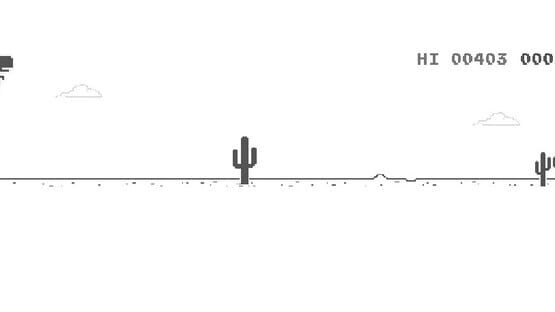
When you start, the first thing to do is get familiar with the basic controls: the space bar to jump and the down arrow (or tapping the lower part of the screen on mobile) to duck. During your first hour, focus on movement patterns: jump only when necessary and keep a steady rhythm. Don't obsess over your early score; instead, concentrate on staying calm and predicting the patterns in which obstacles appear. With practice, you'll build muscle memory for the basic moves.
The key system to understand is the difficulty progression. The game speeds up gradually, and a sound marks every 100 points, which makes the cacti and pterodactyls appear faster and with less space between them. Another important system is scoring, which is based on the time you survive and the obstacles you avoid. Understanding these elements will help you develop strategies to stay alive longer.
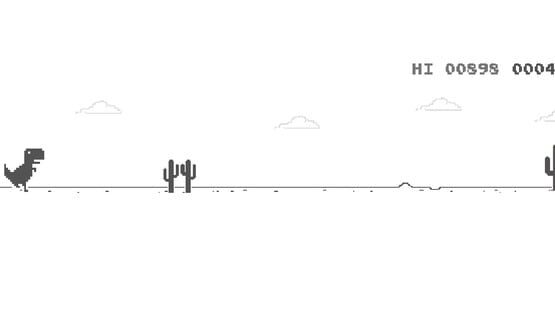
Common beginner mistakes include jumping too early, which makes it harder to react quickly when you really need to, and failing to anticipate pterodactyls that require you to duck. Another mistake is trying to hold one stance (always jumping or always ducking) instead of adapting to the obstacles. To avoid these, stay calm and watch the patterns before reacting, building an automatic response only when it's needed.
To improve faster, focus on breathing calmly and blinking less to cut your reaction time. Play short sessions to sharpen your reflexes without getting frustrated. It also helps to focus on the center of the screen so you can better see obstacles as they approach. Remember that consistency matters more than random attempts; building a steady rhythm will help you survive longer as the game gets faster.

Chrome Dino is for players who want a simple, quick pastime with no complicated setup. It's perfect for when you have a few spare minutes or want to unwind between tasks. Its simplicity makes it accessible to players of all ages and skill levels, although its rising difficulty keeps it interesting even for those who want a challenge. If you enjoy classic arcade games, endless runners, or just need a no-fuss distraction, Chrome Dino will be a great find.
Chrome Dino came out on 1 de septiembre de 2014. Platforms, genres and ratings are on the Chrome Dino game page.
Related games





Last updated: 23 de noviembre de 2026.
Powered by PairProgramming · custom software development, AI and automation.