Guide
How to play Cozy Cleaner
Where to buy


PC requirements
Can your PC run Cozy Cleaner?
- Minimum RAM:
- 4 GB
- Minimum graphics:
- 2GB VRam
- Minimum storage:
- 1 GB
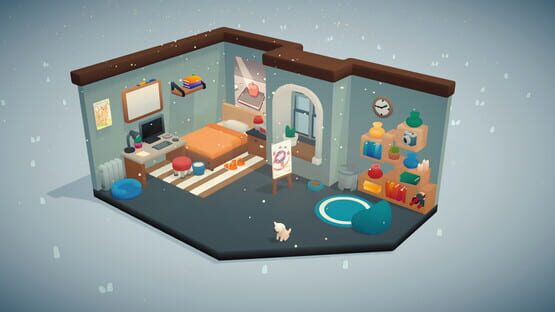
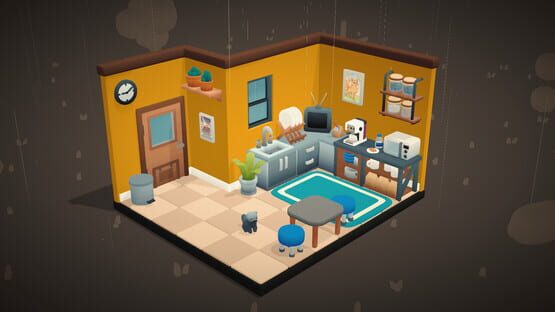
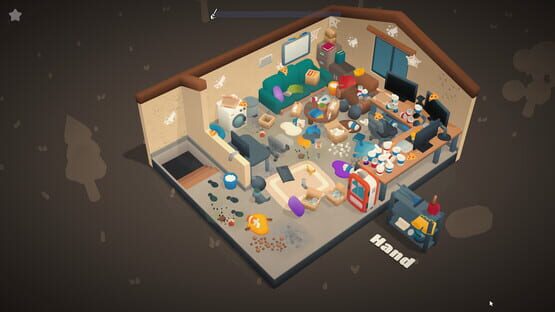
Tidying rooms buried under clutter until they look spotless is the core activity of Cozy Cleaner, which is built as a place to unwind rather than a challenge. The setting leans into the homey and the comforting: each stage is a room that got out of hand with mess, and you win it back piece by piece, with a relaxed soundtrack that keeps you company without rushing you. What sets it apart in the cleaning and organizing genre is that lack of pressure, designed to slow you down instead of winding you up. In games like this, meant for slowing down after a busy day, a good part of the satisfaction comes from the visual contrast between the initial mess and the final result of each room.
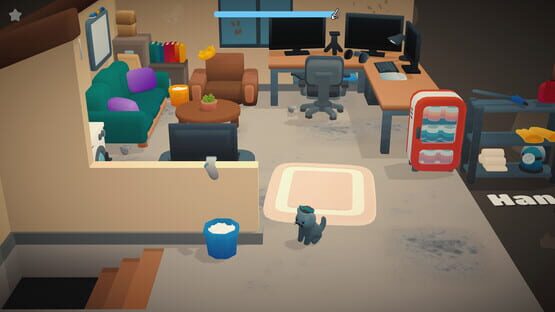
You walk into a messy room, gather the scattered clutter, clean the built-up dirt and put every item in its place until the space looks tidy again. That sums up the gameplay loop. There is no clock pushing you and no harsh penalties for going slowly: you set the pace, moving from one corner to another until the room is done before moving on to the next one.
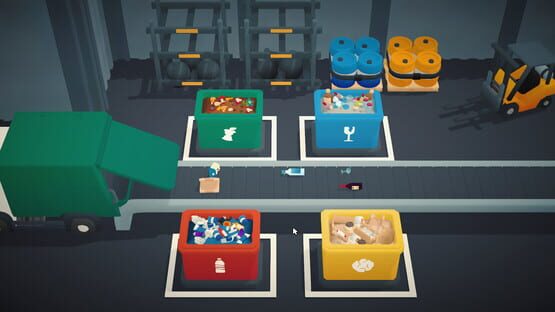
When you start, it pays to walk through the whole first room without hurrying, checking every corner to get used to how the clutter gets picked up and how the cleaning works, since in organizing games like this the habit of looking carefully before acting saves you needless backtracking later. Finishing one room completely before moving on to the next helps you understand the pace of the game from the start, without the feeling of leaving things half done. Treating that first room as a kind of informal tutorial, with no stopwatch involved, helps you gauge how long each type of room tends to take before you tackle the next ones.
Telling apart picking up loose objects, cleaning dirty surfaces and putting away what you have already picked up is the basic skill to absorb early, because each room usually asks you to complete all three actions before it counts as finished. In cleaning and relaxed simulation games it usually works best to divide the space into sections and finish each one completely before jumping to another, instead of going back and forth between different areas with no clear order to follow.

Jumping between different corners of the room without finishing any of them is the most common stumble for newcomers, because it gives you the feeling of making little progress even though you have picked up quite a lot of clutter. Another common slip is not checking the less visible corners of the stage, where an object or stain often remains that keeps you from fully completing the room. Moving forward without a fixed route, hopping from one end of the room to the other, also makes it easy to lose track of an object you left on the floor.
Leaving the game's own soundtrack on, with no outside music competing with it, tends to boost the relaxing effect the game is after, since it is meant as accompaniment and not as indifferent background noise. Working through fixed sections, from left to right or from top to bottom depending on the room, helps you avoid leaving loose objects unpicked and close out each room with the feeling of complete order that the game aims to convey in every level.
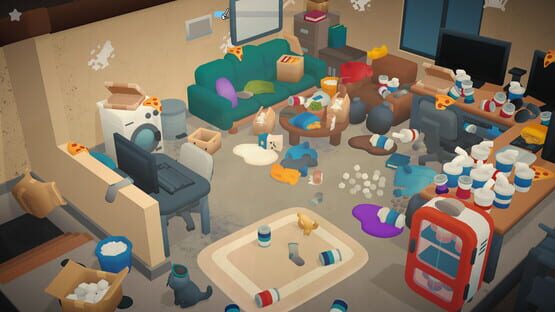
Since June 2026, Cozy Cleaner is available for PC on Windows, Mac and Linux. Payoff Games develops it and Rogue Duck Interactive publishes it, and it is aimed at anyone looking for some stress-free screen time, with simple tasks and a clear visual goal as the reward rather than demanding tests of reflexes or strategy.
Cozy Cleaner came out on 22 de junio de 2026. Platforms, genres and ratings are on the Cozy Cleaner game page.
Related games



Last updated: 23 de noviembre de 2026.
Powered by PairProgramming · custom software development, AI and automation.