
Guide
How to play Doodle Jump
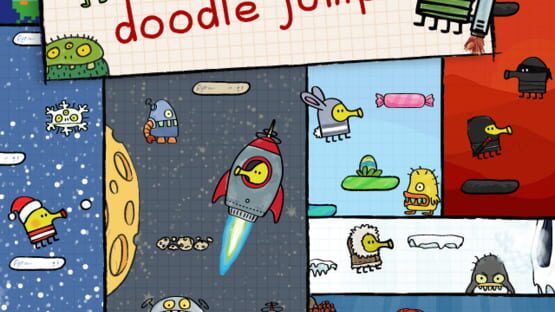
Released in 2009, Doodle Jump puts you in the role of “The Doodler,” a four-legged creature that must climb endlessly up a series of platforms suspended in midair. The setting is minimalist and colorful, with backgrounds that change as you gain height, which gives you a constant sense of progress. What sets it apart from other platformers is its focus on endless verticality and simple controls, which make for quick but addictive sessions anywhere, anytime.
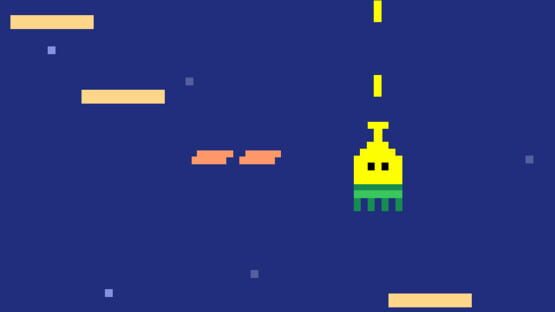
The gameplay is continuous vertical scrolling: the Doodler jumps automatically, and you only need to steer it left or right so it lands on the next available platform. On most devices, movement is controlled by tilting the screen or swiping your finger, although some versions also support virtual buttons. Each run starts with the Doodler at the bottom of the screen and continues until the character falls below the visible level, which ends the session. The core mechanics revolve around managing jump momentum, choosing the right platform, and avoiding obstacles that appear as you climb.

When you start, the most useful thing is to get comfortable with tilt or swipe controls quickly, practicing smooth movements to keep the Doodler centered. During your first hour, focus on learning to anticipate moving or fragile platforms without getting too distracted by decorative elements. It's a good idea to aim for moderate heights before taking bigger risks, so you build a sense of rhythm and reduce the chance of early falls that end your run.
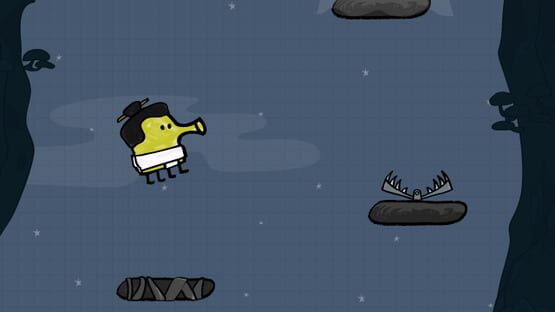
To progress, you need to understand three key systems: platform types, temporary items that appear along the way, and how you manage screen space. Some platforms are static, others move side to side, and some break after the first contact. Recognizing them lets you plan your jump route. Items, such as power-ups that grant extra height or speed, appear intermittently and can make the difference between continuing to climb and losing momentum. Finally, the visible space is limited, so keep the Doodler high enough that there are always platforms below, avoiding getting trapped in the lower area.
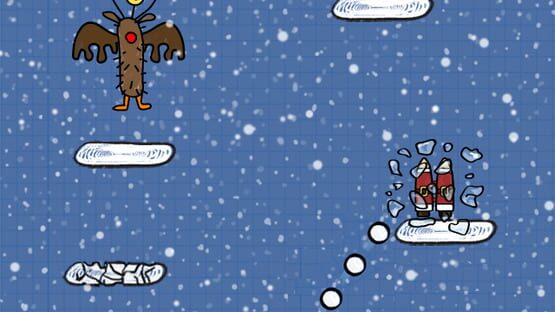
The most common mistakes beginners make include moving the Doodler too abruptly, which causes it to lose alignment with the platforms, and focusing too much on collectibles without paying attention to the next safe jump. Another frequent error is staying too long in the middle of the screen, which reduces your reaction time when platforms appear at the edges. To avoid these problems, keep your movements smooth and anticipate the position of the next platform before you reach it, without veering too far off course for items.
Among the practical tips for doing better, the most useful is “look before you jump”: watch how the platforms move and choose the one that offers the most stability. Using temporary items at the right moment, rather than grabbing them without thinking, makes them more effective. It also helps to keep a slight, steady tilt toward the side where the next platform is visible, which reduces the need for sudden corrections. Finally, playing in short but frequent sessions helps sharpen your hand-eye coordination and lets you recognize the different kinds of obstacles that appear at greater heights.
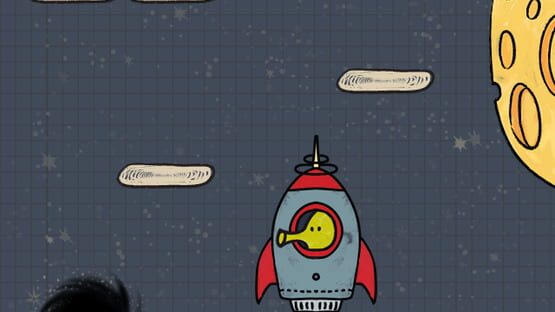
Doodle Jump is designed for players who want a casual but challenging experience, and it appeals to fans of fast reflex games and beating high scores. Its accessibility makes it attractive to kids and adults alike who want to pass the time without a steep learning curve. If you enjoy precision challenges, competing on leaderboards, and the feeling of endless progress, you'll find in Doodle Jump a game that keeps you hooked through long play sessions.
Doodle Jump came out on 16 de marzo de 2009. Platforms, genres and ratings are on the Doodle Jump game page.
Related games





Last updated: 11 de noviembre de 2026.
Powered by PairProgramming · custom software development, AI and automation.