
Guide
How to play Five Nights at Freddy's
Where to buy


PC requirements
Can your PC run Five Nights at Freddy's?
- Minimum RAM:
- 1 GB
- Minimum graphics:
- 1 GB
- Minimum storage:
- 250 MB
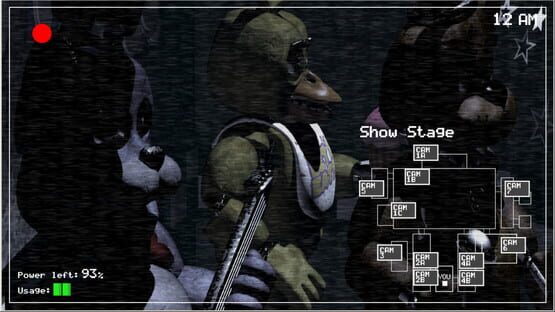
At a family restaurant called Freddy Fazbear's Pizza, Five Nights at Freddy's, a 2014 horror game, puts you in the role of a security guard. During the day, the place is full of kids and families enjoying the main animatronics: Freddy Fazbear and his friends. At night, though, these robots, which are programmed to entertain visitors, become unpredictable and dangerous. What sets this game apart is its minimalist approach: most of the tension comes from watching and managing resources rather than from direct action, which makes for an intense horror game with an oppressive atmosphere.
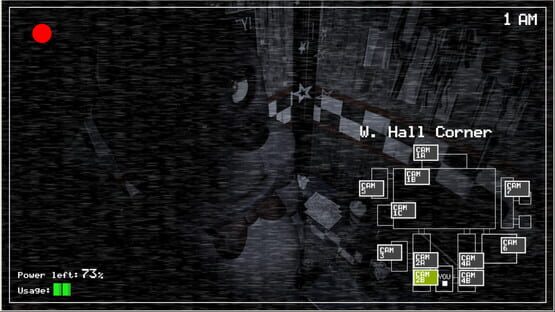
The game plays out as a survival simulator where you spend five nights in your office monitoring security cameras. Each night is one work shift that runs from midnight to 6:00 a.m. You have a monitor to view different areas of the restaurant, steel doors you can close to keep the animatronics out, and lights. The goal is to survive until 6 AM without the animatronics getting to you. The core mechanic revolves around limited power: using the cameras and the doors drains energy, and if it runs out, you lose your defense and surveillance abilities.
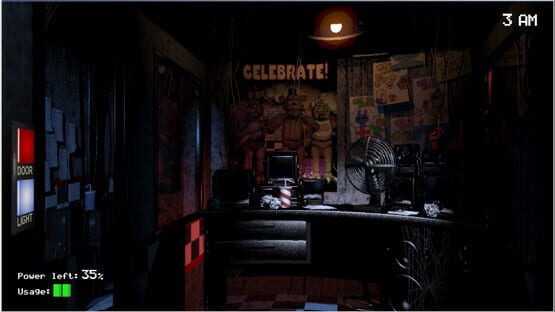
When you start the game, the first thing to do is get familiar with the restaurant layout and the camera locations. Spend your first hour watching the animatronics' movement patterns without using too much power. It's crucial to learn when to close the doors and when to use the lights, since both actions use a lot of electricity. Don't try to keep the doors closed all the time, because you would drain your power quickly. Instead, use the cameras strategically to know when the animatronics are close and when you can relax a little.
The key systems you need to understand are power management, the animatronics' movement patterns and the use of the monitor. Power is your most valuable resource: every night you start with a very limited amount of electricity. The animatronics move around the restaurant, and you have to keep track of where they are to anticipate what they do next. The monitor lets you see different areas, but using it constantly drains power.

Common beginner mistakes include overusing the lights or cameras, which drains power quickly, and keeping the doors closed when it isn't necessary. To avoid these problems, balance how much power you spend against how closely you watch.
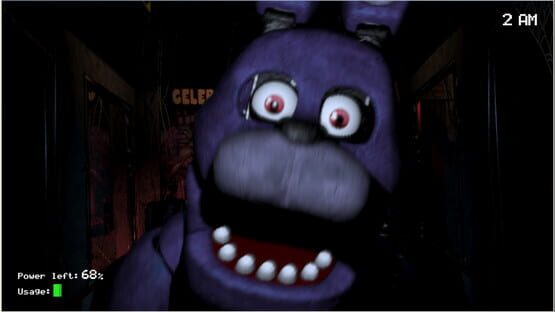
To make better progress, I recommend using the cameras strategically: don't leave them on all the time, but check them periodically to confirm where the animatronics are. Finally, keep in mind that the animatronics can show up in your office if you don't keep them out, so don't get complacent even if you don't see them for a while.
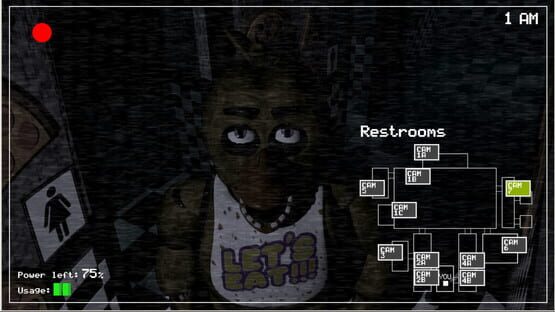
Five Nights at Freddy's appeals to players who enjoy atmospheric horror, survival horror and resource management games. If you like games built on tension, observation and strategy rather than direct action, this title could be a great fit for you. However, if you want a game with lots of action or elaborate graphics, it may not be your best choice. This game is perfect for those who appreciate a subtle but effective scare, with a simple premise that is deeply terrifying.
Five Nights at Freddy's came out on 8 de agosto de 2014. Platforms, genres and ratings are on the Five Nights at Freddy's game page.
Related games




Last updated: 24 de noviembre de 2026.
Powered by PairProgramming · custom software development, AI and automation.