
Guide
How to play Happy Wheels
Where to buy


PC requirements
Can your PC run Happy Wheels?
- Minimum RAM:
- 4096 MB
- Minimum graphics:
- Any GPU with WebGL
- Minimum storage:
- 1024 MB
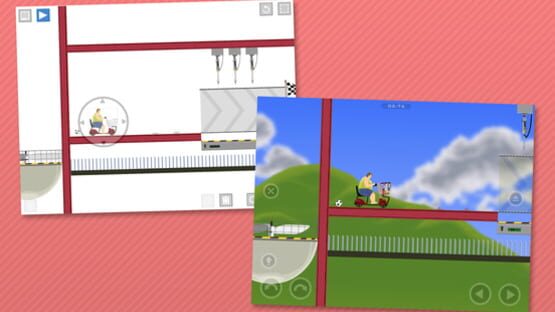
With a chaotic, offbeat approach, Happy Wheels mixes platforming and racing into something you won't see anywhere else. The premise is simple: try to reach the finish line on tracks made by users. What sets it apart is its dark humor and exaggerated physics. The characters, from a man in a wheelchair to a father riding a bike with his son, suffer grotesque crashes and comically gruesome dismemberments, which adds a layer of absurdity to the experience. The setting changes from level to level, but the visual style stays simple yet effective, with the focus on gameplay rather than story.
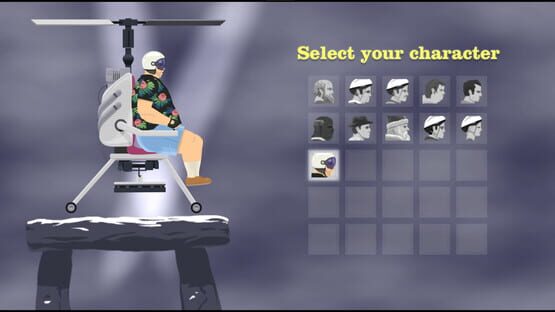
You control the game with the keyboard or the touch screen, depending on your platform. A typical run involves selecting a character and a track, then trying to make your way to the finish while avoiding obstacles. The core mechanics revolve around physics: weight, momentum, and inertia are key to clearing levels. Each character has its own traits, such as speed or stability, which affect how it handles on the tracks. There is no linear structure. The game is built around trying each level again and again until you finish it.

When you start out, it's best to try different characters so you can get used to their controls and behavior. During your first hour, stick to simple tracks to understand how the physics work and how each character reacts to obstacles. There's no forced learning curve, so progress comes down to practice and experimentation. It helps to watch how other players finish levels in videos or on forums, since the game lets the community share its creations.
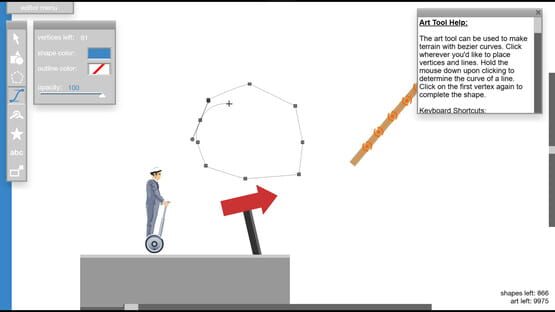
Mastering the game's physics is the key to moving forward. Understanding how momentum and balance affect your character is essential for getting past obstacles. The game also includes a level editor, which lets you build your own tracks and share them with others. This adds a layer of creativity and replay value, since there are always new challenges to try. Difficulty varies a lot between levels, so don't get discouraged if some seem impossible at first.
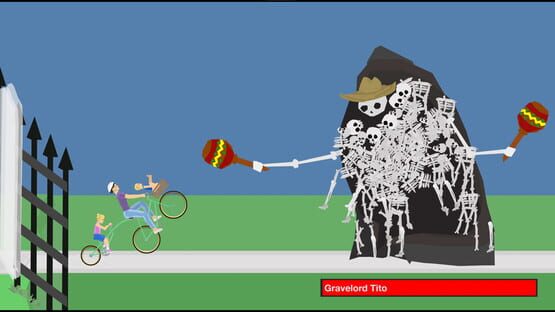
A common mistake for beginners is underestimating the importance of balance and timing when jumping or speeding up. Many players try to force their movement, which often leads to falls and crashes. To avoid this, be patient and learn to control your character precisely. Another frequent mistake is not exploring all the character options, since each one has advantages in specific situations. Trying different combinations of characters and tracks can make a real difference.
To improve faster, start with short, simple levels to build confidence. Watching how other players handle harder levels can give you ideas for tackling them. The level editor is also a valuable tool for practicing and getting a better feel for the mechanics. There are no shortcuts to mastering the game. Steady practice and experimentation are what matter. It's also smart to take a break if a level becomes too frustrating, since a fresh approach often helps you spot solutions you missed before.
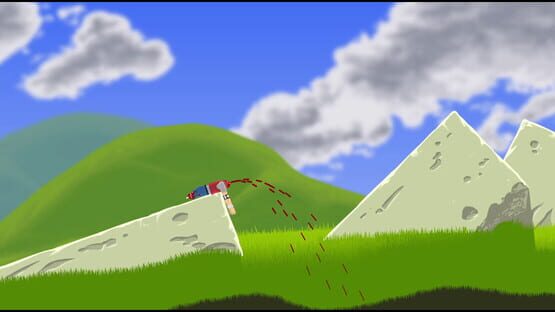
Happy Wheels is for players who enjoy physics-based challenges and trial and error. If you're looking for a game with irreverent humor and an active community, you'll find plenty to love. It's not for people who prefer complex stories or realistic graphics, but it is for those who value creativity, replay value, and the satisfaction of beating tough obstacles. The freedom to create and share levels keeps it attracting players years after its release.
Happy Wheels came out on 4 de junio de 2010. Platforms, genres and ratings are on the Happy Wheels game page.
Related games






Last updated: 11 de noviembre de 2026.
Powered by PairProgramming · custom software development, AI and automation.