


Guide
How to play Hue
Where to buy


PC requirements
Can your PC run Hue?
- Minimum RAM:
- 2048 MB
- Minimum graphics:
- GeForce GT 610 (1024 MB)
- Minimum storage:
- 400 MB
Hue is a platformer and puzzle game set in a world that starts out monochrome, where you play a young person searching for a missing mother. The premise is simple but effective: you explore a visually minimalist environment that comes to life as you discover items of different colors. What sets it apart is its core color-changing mechanic, where every hue you find interacts with the environment in its own way, transforming the landscape and solving puzzles. This mix of platforming and puzzles with a progressive color palette makes for a game that looks great and keeps your mind busy.
The game combines platforming with puzzle solving, offering a style of play that is easy to pick up but has enough depth to keep you hooked. In a typical session, you move through levels and unlock colors gradually, and each one brings new challenges and mechanics. The basic platforming is easy to control, so jumping and moving feel smooth. The heart of the game is how colors affect the environment: when you change hue, certain obstacles disappear or new platforms appear, creating puzzles that call for observation and planning.

When you start, take your time to see how each color interacts with the environment. Don't rush ahead; explore every area carefully, since the colors you need to progress can be hidden in places that aren't obvious. During the first hour, you'll focus on mastering the basic controls and understanding how each new color you find changes the world around you. Pay attention to the visual patterns and how they shift with each color change, because that is key to solving the puzzles later on.
The key systems to understand are the order in which colors unlock (aqua, purple, orange, pink, blue, red, yellow and green) and how each one interacts with specific elements of the scenery. The progression is designed so that every new color adds a layer of complexity, making you combine colors to solve more elaborate puzzles.
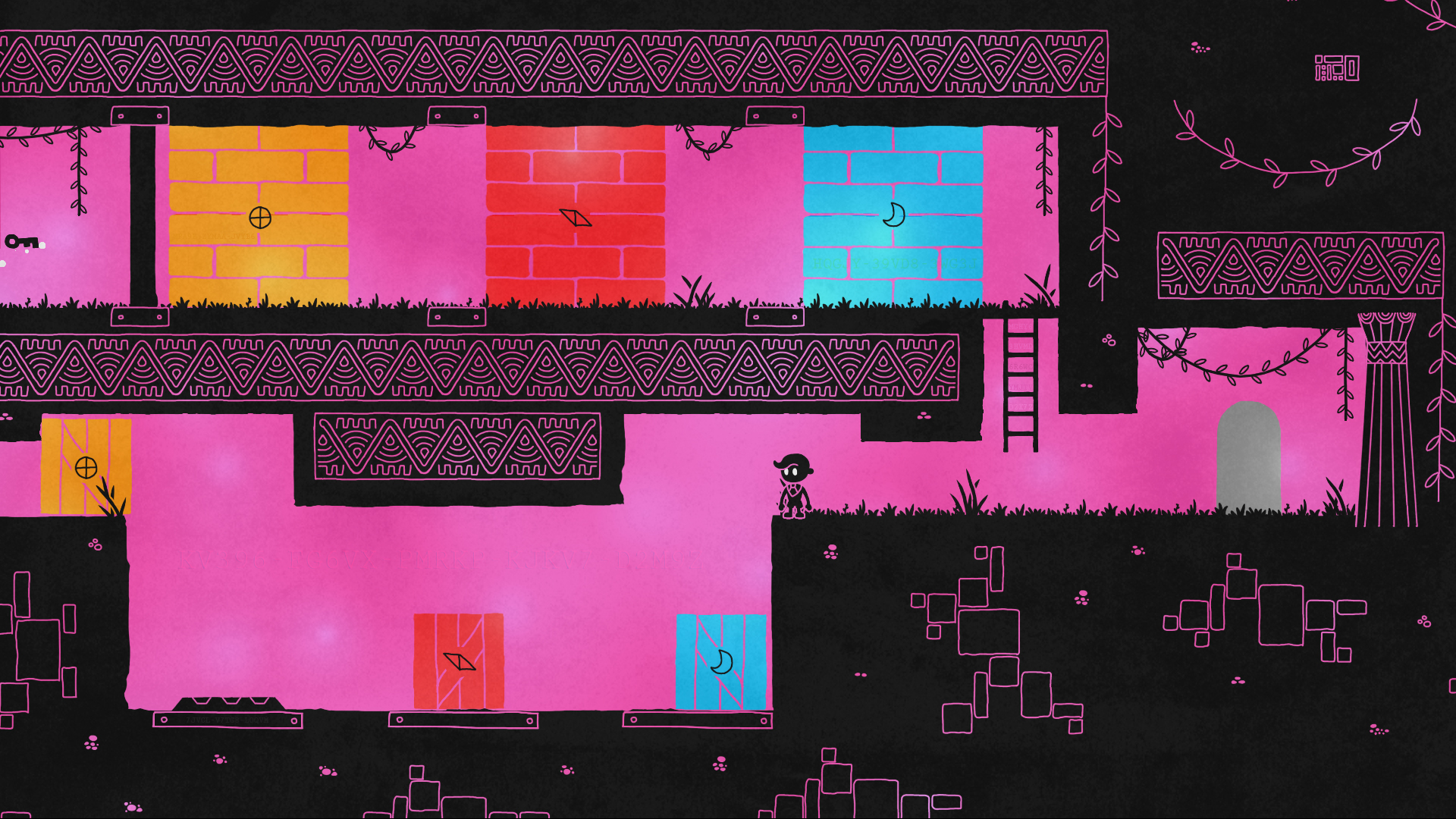
A common beginner mistake is underestimating how important it is to explore each level thoroughly. At first it may seem like you only need to move forward in a straight line, but many puzzles require you to go back to earlier areas with new colors. Another mistake is ignoring the visual patterns; the puzzles are built around how colors interact with the environment, so look closely before you act. Finally, don't get frustrated if you can't solve a puzzle right away; sometimes the solution is to combine colors in ways that aren't obvious.
To get further, try to picture how each color will affect the environment before you switch to it. Some puzzles require specific sequences of colors, so plan your moves. Also keep in mind that certain colors only interact with specific elements, so try different combinations if you get stuck. Keep a mental note of the areas where you unlocked new colors, since you will probably need to return to them later with different abilities.

Hue is made for players who enjoy puzzle games with smart progression, and for those who appreciate indie titles with a simple premise and polished execution. If you like games where the core mechanic is one of a kind and develops in a coherent way, or if you want a relaxed but mentally stimulating game, you'll find this one very rewarding. It is also a great fit if you like games with a minimalist look that focus on gameplay rather than complex elements such as combat or sprawling systems.
Hue came out on 30 de agosto de 2016. Platforms, genres and ratings are on the Hue game page.
Related games



Last updated: 24 de noviembre de 2026.
Powered by PairProgramming · custom software development, AI and automation.