


Guide
How to play RaceRoom Racing Experience
Where to buy


PC requirements
Can your PC run RaceRoom Racing Experience?
- Minimum RAM:
- 4 GB
- Minimum graphics:
- VRAM 512MB
- Minimum storage:
- 70 GB
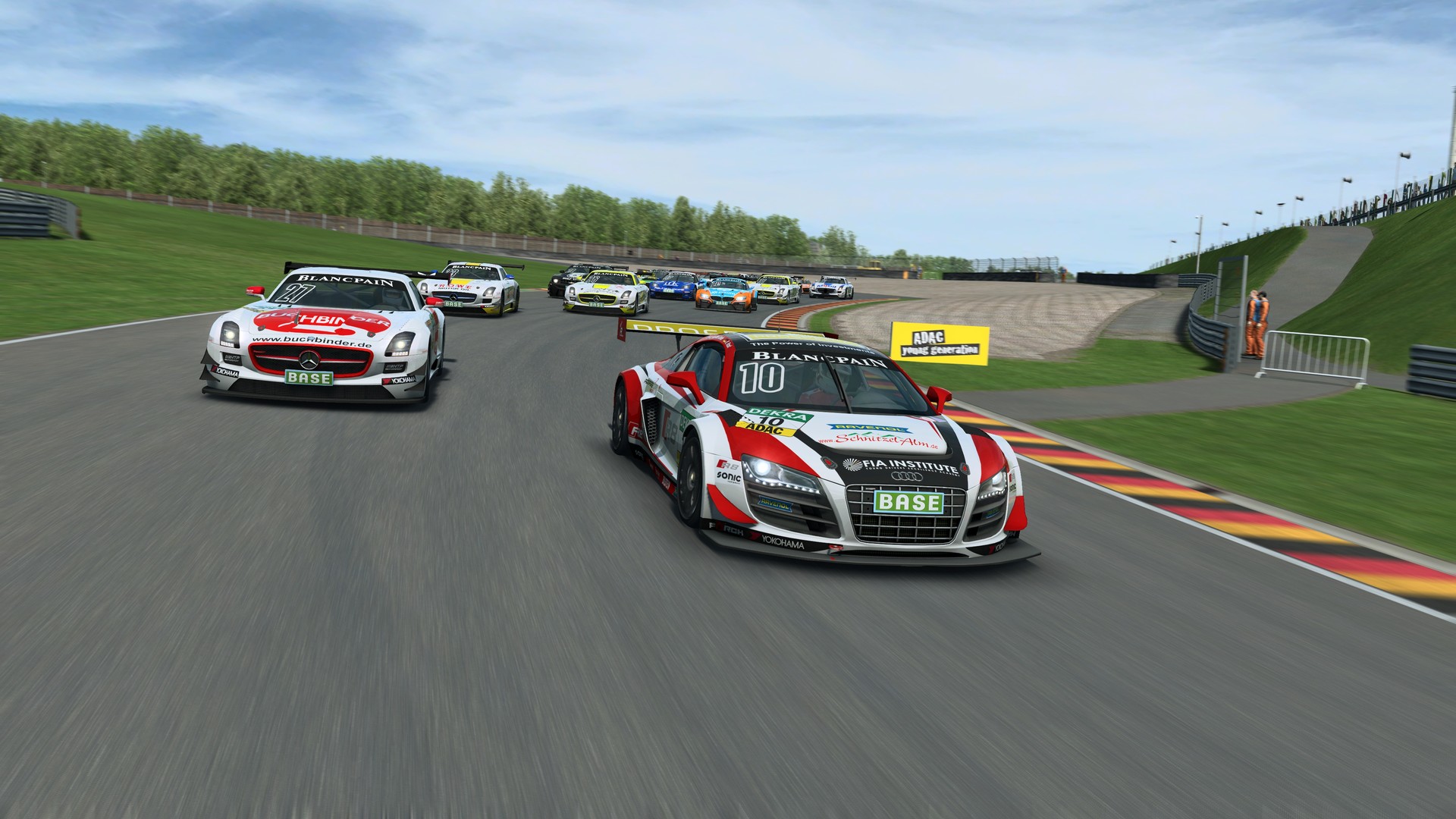
A racing simulator for players who want the thrill and precision of real motorsport: that is RaceRoom Racing Experience. The game presents a world of realistic racing competitions, where skill and strategy are key to winning. Its goal is to deliver a challenging, realistic experience, recreating in detail the feeling of sitting behind the wheel of powerful race cars.
Gameplay centers on precise simulation of car handling across different circuits. Players race against AI-controlled opponents or online against other players, with the option to take part in championships and special events. Every race demands a mix of driving skill, tire and fuel management, and overtaking tactics to get past rivals. The game offers a wide range of modes, from quick races to full championships, so players can choose their level of commitment and playstyle.

When you first launch the game, it's worth spending time on the controls and difficulty settings. Customizing the controls to suit your preferences and comfort is essential for a satisfying session. Start in the settings menu and adjust the steering wheel sensitivity, pedal response, and any other personal preferences. Then browse the menus to get familiar with the different game options, the available modes, and the broad selection of cars and tracks. Spend some time practicing in test mode to sharpen your driving before moving on to tougher races.
One of the key things to understand is the game's physics and handling system. RaceRoom aims to simulate how cars behave on track faithfully, including tire wear, fuel consumption, and engine temperature. Learning to manage these factors and adjust your driving style accordingly is fundamental to improving your lap times and race performance. The game also offers a large number of vehicle setup options, allowing deep customization to match your style and track conditions.

A common mistake among beginners is underestimating the value of practice and patience. Sim racing takes time and dedication to master the necessary skills. Don't rush. Take the time to learn the characteristics of each car and track. Another thing to consider is race management: keeping a steady pace, looking after your tires, and planning overtaking moves are all central to a successful race.
To progress and improve, study the circuits and memorize their key points. Learn the corners, braking points, and overtaking zones, since these are essential for gaining time on every lap. Also, adjust the difficulty and driving assist levels to suit your skill. The game offers a wide range of settings, so feel free to tweak them until you find the right balance between challenge and fun. Experiment with different car setups to discover your preferred driving style and improve your times.

RaceRoom Racing Experience is built for fans of racing simulators who want a realistic, demanding experience. Its precise simulation makes it an appealing choice for anyone looking to sharpen their virtual driving. The wide variety of cars and tracks, along with online racing, makes it a strong fit for competitive players who want deep, authentic racing. If you're new to the genre, expect a steep but rewarding learning curve as you master the art of virtual driving.
RaceRoom Racing Experience came out on 12 de febrero de 2013. Platforms, genres and ratings are on the RaceRoom Racing Experience game page.
Related games


Last updated: 6 de noviembre de 2026.
Powered by PairProgramming · custom software development, AI and automation.