
Guide
How to play WorldBox
Where to buy


PC requirements
Can your PC run WorldBox?
- Minimum RAM:
- 2.5 GB
- Minimum graphics:
- 128mb Video Memory
- Minimum storage:
- 300 MB
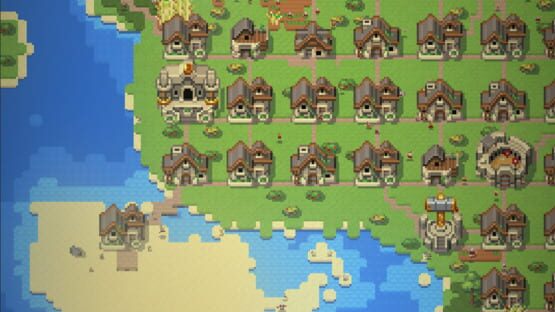
With the power to create, shape, and destroy worlds as you please, WorldBox is a god simulator, a game where you take on the role of a deity. The setting is a blank canvas where you decide the course of civilizations, from their birth to their fall. What sets it apart is its sandbox approach: there are no fixed goals or linear story, just total freedom to experiment with the growth of cultures, wars, natural disasters, and even the evolution of species. It blends creativity and observation, and every run can play out completely differently.
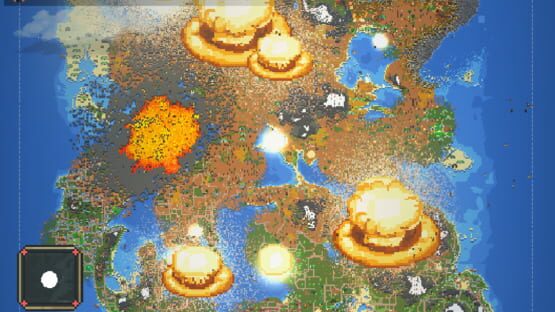
The game runs in real time, where you interact with a procedurally generated world. A typical session starts with creating terrain, where you can sculpt mountains, rivers, or oceans, and then introduce life forms, whether humans, animals, or fantastic creatures. The core mechanics revolve around manipulating the environment and civilizations: you can summon lightning, cause droughts, create monsters, or guide peoples toward prosperity. The game moves forward as you watch societies organize themselves, build cities, declare wars, or explore new territories, all under your direct or indirect influence.
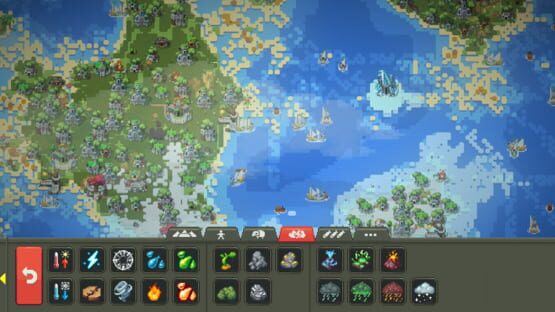
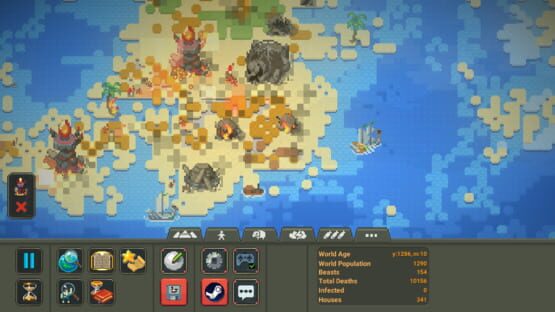
When you start, it's best to get familiar with the basic creation tools. Experiment with the terrain: raise mountains, form lakes, and watch how this affects the first settlements. Then, add humans and let them develop naturally for a while to understand how they interact with the world. In the first hour, also try the simple divine powers, like rain or fire, to see their immediate effects. This will give you a solid foundation before moving on to more complex mechanics, such as resource management or disaster control.
To progress, it's key to understand how population and resource systems work. Civilizations grow based on the availability of food, water, and space, and their development depends on factors like technology, religion, and alliances. It's also important to learn how to balance chaos and order: too much intervention can lead to collapse, while too little can leave the world stagnant. Watching civilizations' behavior patterns will help you predict conflicts or expansions, so you can decide when and how to act.
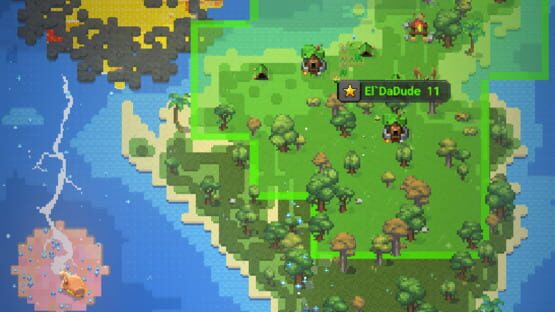
A common mistake is trying to control everything from the start. Many beginners get overwhelmed trying to manage every detail, which leads to chaotic or boring worlds. To avoid this, start with small changes and watch the consequences before scaling up. Another frequent mistake is ignoring ecosystem balance: if you remove all predators, for example, prey can multiply out of control and deplete resources. It's also worth not underestimating time: some actions, like a city's growth, require patience.
A useful tip is to use pause mode to plan your moves. This lets you analyze the state of the world without the pressure of real time. Also, experiment with different biomes and starting conditions to see how they affect development. If a civilization is stuck, try introducing a new resource or a random event to revive it. Don't be afraid to restart the world if something goes wrong; part of the fun is trying different approaches.
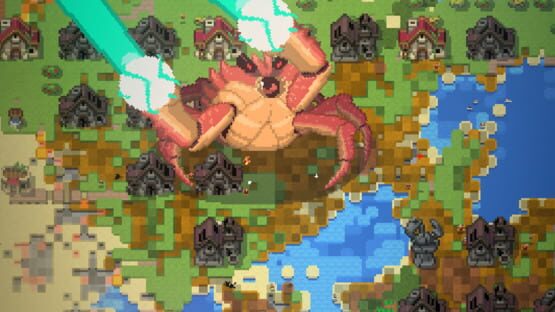
WorldBox suits players who enjoy creativity and experimentation without restrictions. It's perfect for those who like strategy or simulation games where the process matters more than the final goal. It also appeals to players who prefer a relaxed pace, where they can observe and guide a world's development at their own speed. If you like the idea of being a benevolent god, a destructive one, or simply an observer, this game will offer you endless hours of fun.
WorldBox came out on 2 de octubre de 2018. Platforms, genres and ratings are on the WorldBox game page.
Related games





Last updated: 11 de noviembre de 2026.
Powered by PairProgramming · custom software development, AI and automation.